Once internet reaches your house, it should simply be everywhere in it. In practice most homes run on the router the cable company supplied, and most homes have a room where video stalls, calls break up and the smart speaker loses its connection. People tend to live with it. You do not have to.
What gets in the way
Wi-Fi is radio, and radio is affected by what it passes through. Dense building materials are the biggest factor: concrete, plaster and metal all weaken the signal, and so does glass. Then there is everything else competing for the same airwaves.
- Appliances near the router, such as a refrigerator or water heater
- Other wireless devices, including garage door openers
- Distance from the router to the rooms you use most
- Neighboring networks, especially in apartments and townhouses
Start with the router
If yours has been in place for years, replacing it is the first step. Look for a current Wi-Fi standard and at least dual-band support, so devices can use 2.4 GHz or 5 GHz as appropriate. Band steering helps further by moving each device to the better band automatically.
Location matters as much as hardware. A router in a corner of the basement, beside the cable entry, broadcasts mostly into the foundation. Put it centrally where you can. That can be difficult depending on the layout and the wiring in the walls, which is one reason to call someone who runs cable for a living.
If the router is current and well placed, check its channel. A free analyzer app will show how crowded nearby channels are, and you can change yours in the router's settings.
Extenders are a patch. Wired access points are a plan.
Then extend the network properly
Wi-Fi extenders are easy: plug one in where the signal is still good and it repeats the network further. They often cut the available speed, and they add another device to manage.
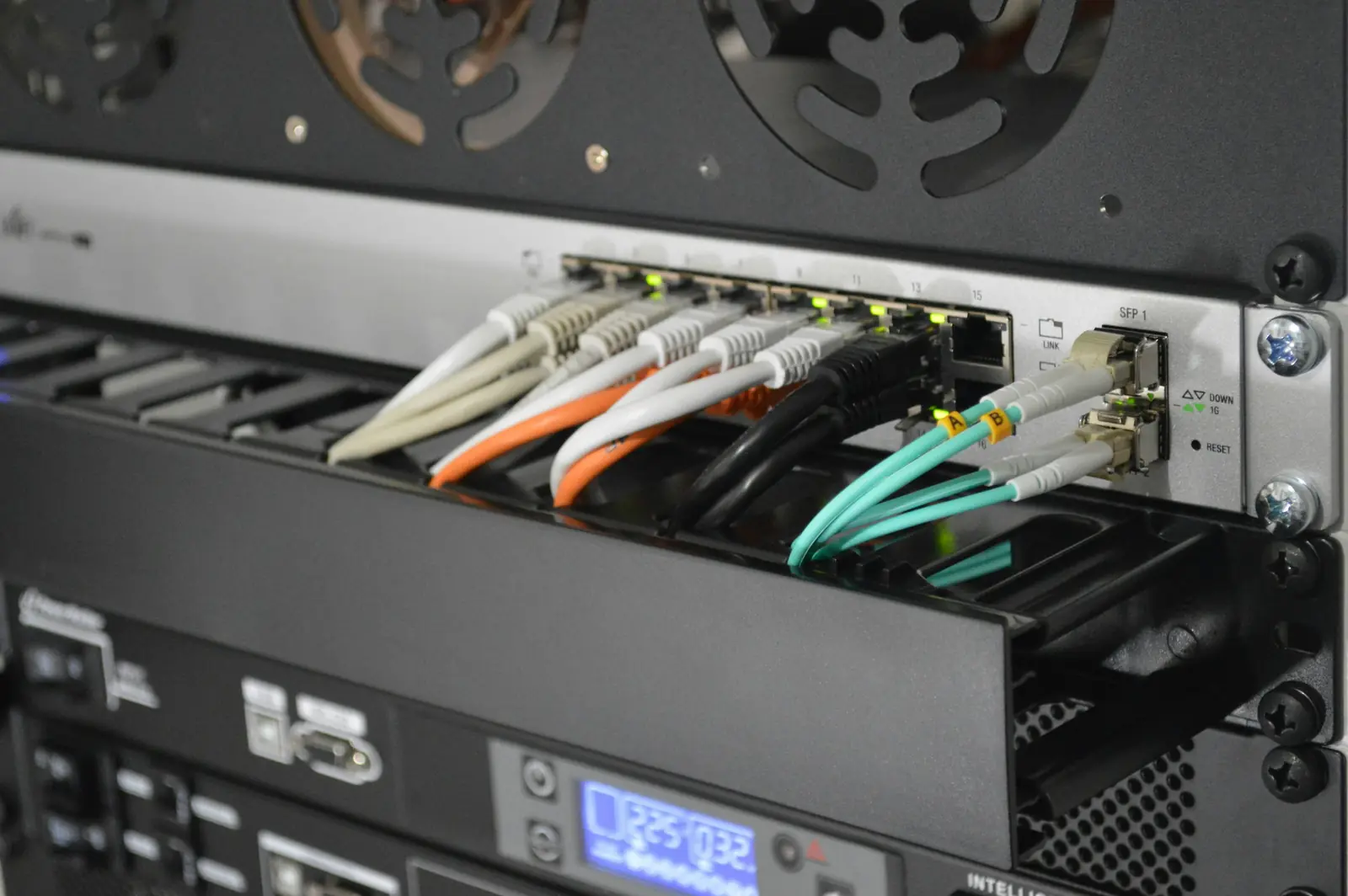
Access points are the better answer for larger homes. Each one connects back to the router by Ethernet and broadcasts a strong signal of its own. Most are powered over the same cable through a PoE switch or injector, so there is no outlet to find. Several access points placed with intent give full coverage and full speed throughout the house.
Depending on your home, you might need one of these steps or all of them. If you would rather we look at it, a site visit will show exactly where the gaps are and why.